Change Data Capture from Amazon RDS to Apache Kafka® with Debezium
Amazon RDS offers a PostgreSQL backend for applications. This tutorial show you how to build a real-time change data capture process to track the changes happening in one (or more) RDS tables and stream them into Apache Kafka®, where multiple consumers can receive the data with a minimal latency.
We’ll use Aiven for Apache Kafka® as the destination for our streaming data.
Create AWS RDS database
Head to the AWS Console and:
- Navigate to the Products tab
- Select Databases
- Click on RDS
- Click on Create Database
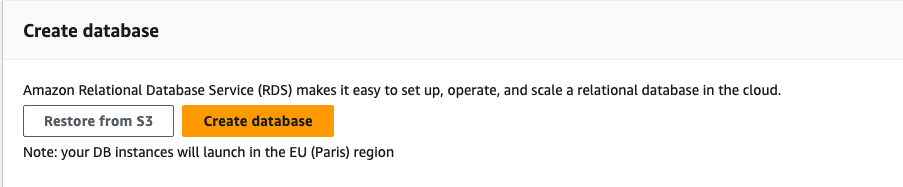
- Select PostgreSQL
- Give the database a name like
database-test - In the Availability and durability section, select Single DB instance (for the purpose of this tutorial, the Multi-AZ DB instance and Multi-AZ DB Cluster are functionally equivalent)
- In the Settings section, change the master password to
test12345
Note: For production use cases, use a secure password.
- In the Connectivity section, select a VPC with an internet gateway attached and enable Public Access. You also might want to check that the inbound traffic is allowed from the IP you’ll try to connect to RDS from.
Note: you can avoid exposing RDS to public access and connect it to Apache Kafka via VPC peering or have the Aiven for Apache Kafka® service as part of your AWS account with the Bring Your Own Cloud model.
Populate AWS RDS database
Once the database is created, we can review the details in the AWS console. In the Connectivity and Security section we can check the database hostname and port.
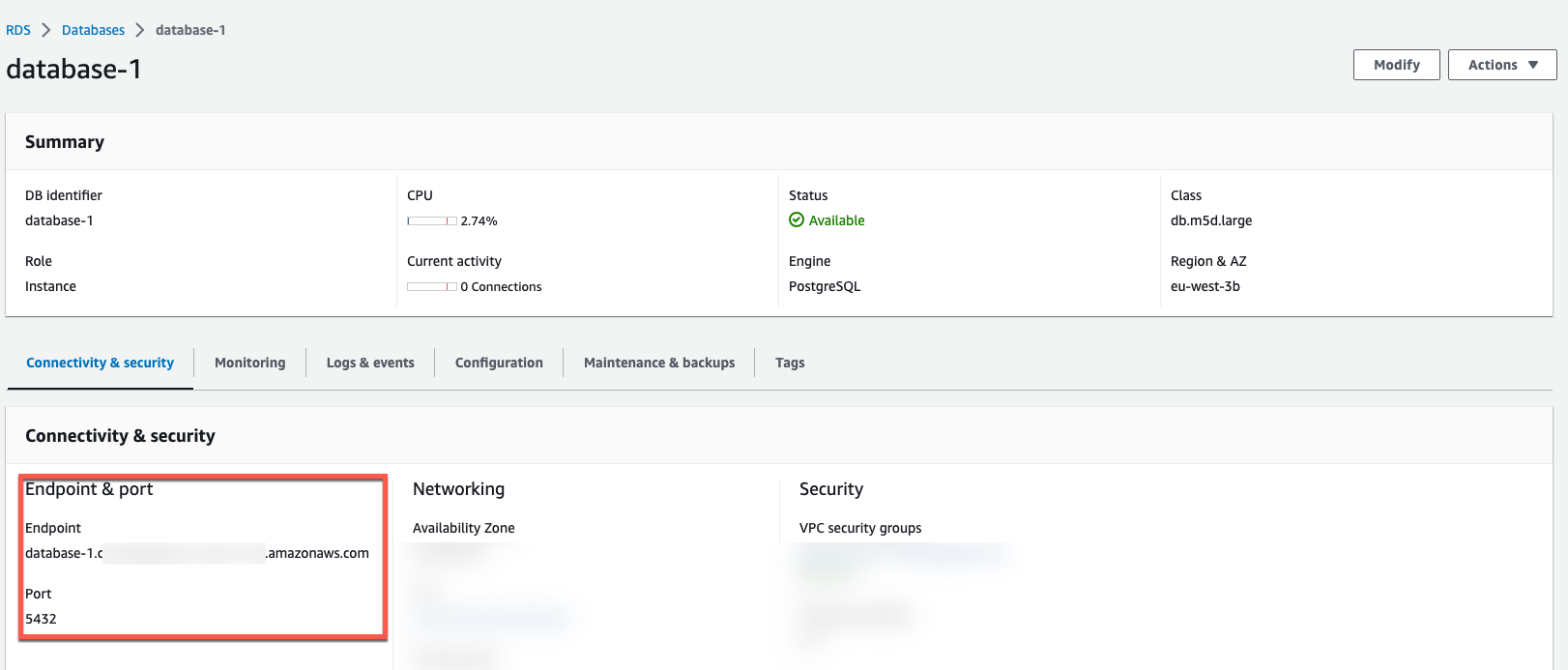
With the above information, we can connect to RDS with psql:
psql postgres://<USERNAME>:<PASSWORD>@<HOSTNAME>:<PORT>/<DATABASE_NAME>
Where:
<USERNAME>is the connection username,postgresif you left the default unchanged<PASSWORD>is the connection password,test12345if you followed the above instructions<HOSTNAME>is the database host, taken from the AWS Console<PORT>is the database port, taken from the AWS Console<DATABASE_NAME>is the database name, by defaultpostgres
If you’re using the defaults and have followed the above instructions, the psql call should be:
psql postgres://postgres:test12345@<HOSTNAME>:<PORT>/postgres
Once connected, we can create a test table and insert some data:
CREATE TABLE FORNITURE (ID SERIAL, NAME TEXT);

INSERT INTO FORNITURE (NAME) VALUES ('CHAIR'),('TABLE'),('SOFA'),('FRIDGE');
A query like SELECT * FROM FORNITURE; should provide the following results
 id |  name
----+--------
  1 | CHAIR
  2 | TABLE
  3 | SOFA
  4 | FRIDGE
(4 rows)
Create an Aiven for Apache Kafka® service with Kafka Connect enabled
If you don’t have an Apache Kafka cluster available, you can create one with Aiven by:
- Navigate to the Aiven Console
- Click on Create service
- Select Apache Kafka®
- Select the cloud and region where the service will be deployed. Selecting the same cloud region where your RDS database is located will minimize latency.
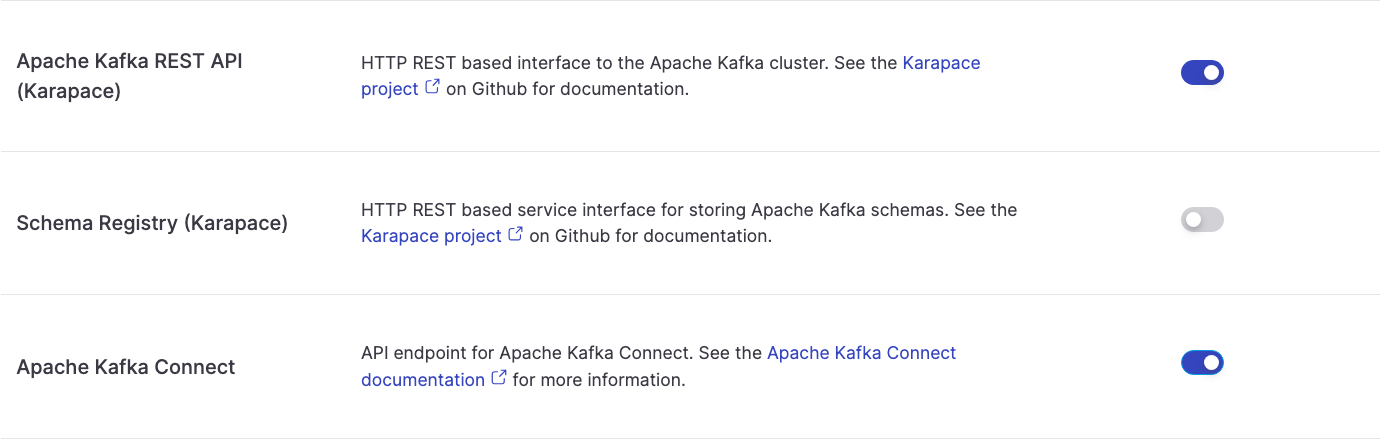
- Access the Aiven for Apache Kafka service page and enable:
- Kafka Connect to perform the change data capture
- REST API to browse the data from the Aiven Console
kafka.auto_create_topics_enablefrom the Advanced configuration section to automatically create topics based on the Kafka Connect configurations
Create a Change Data Capture process with the Debezium Connector
Once Aiven for Apache Kafka is running, the next step is to setup the CDC pipeline. To do so you can head to the Connectors tab, select the Debezium for PostgreSQL connector and include the following configuration:
{
    "name": "mysourcedebezium",
    "connector.class": "io.debezium.connector.postgresql.PostgresConnector",
    "database.hostname": "<HOSTNAME>",
    "database.port": "<PORT>",
    "database.user": "postgres",
    "database.password": "<PASSWORD>",
    "database.dbname": "postgres",
    "database.server.name": "mydebprefix",
    "plugin.name": "pgoutput",
    "slot.name": "mydeb_slot",
    "publication.name": "mydeb_pub",
    "publication.autocreate.mode": "filtered",
    "table.include.list": "public.forniture"
}
Where:
database.hostname,database.port,database.passwordare the RDS connection parameters found in the AWS Consoledatabase.server.nameis the prefix for the topic names in Aiven for Apache Kafkaplugin.nameis the PostgreSQL plugin name,pgoutputslot.nameandpublication.nameare the name of the replication slot and publication in PostgreSQL"publication.autocreate.mode": "filtered"creates a publication only for the tables in scopetable.include.listlists the tables for which we want to enable CDC
After replacing the placeholders in the JSON configuration file with the connection parameters defined above you can start the connector by:
- Navigating to the Aiven Console
- Navigating to the Aiven for Apache Kafka service page
- Clicking in the Connectors tab
- Clicking on New Connector
- Selecting the Debezium - PostgreSQL
- Editing the JSON connector configuration and pasting the JSON configuration defined above.
- Clicking on Create Connector
If you hit the error below
There was an error in the configuration.
database.hostname: Postgres server wal_level property must be "logical" but is: replica
You’ll need to enable logical replication. To check the logical replication run show wal_level; from a terminal connected to the PostgreSQL database, it should show the wal_level as logical.
Check the changes in Apache Kafka
Once the connector is up and running, you should see a topic named mydebprefix.public.forniture, the concatenation of the database.server.name parameter and the RDS schema and table name. To check the data in the topic in the Aiven Console:
- Navigate to the Topics tab
- Click on the
mydebprefix.public.fornituretopic - Click on Messages
- Click on Fetch Messages
- Enable the Decode from base64
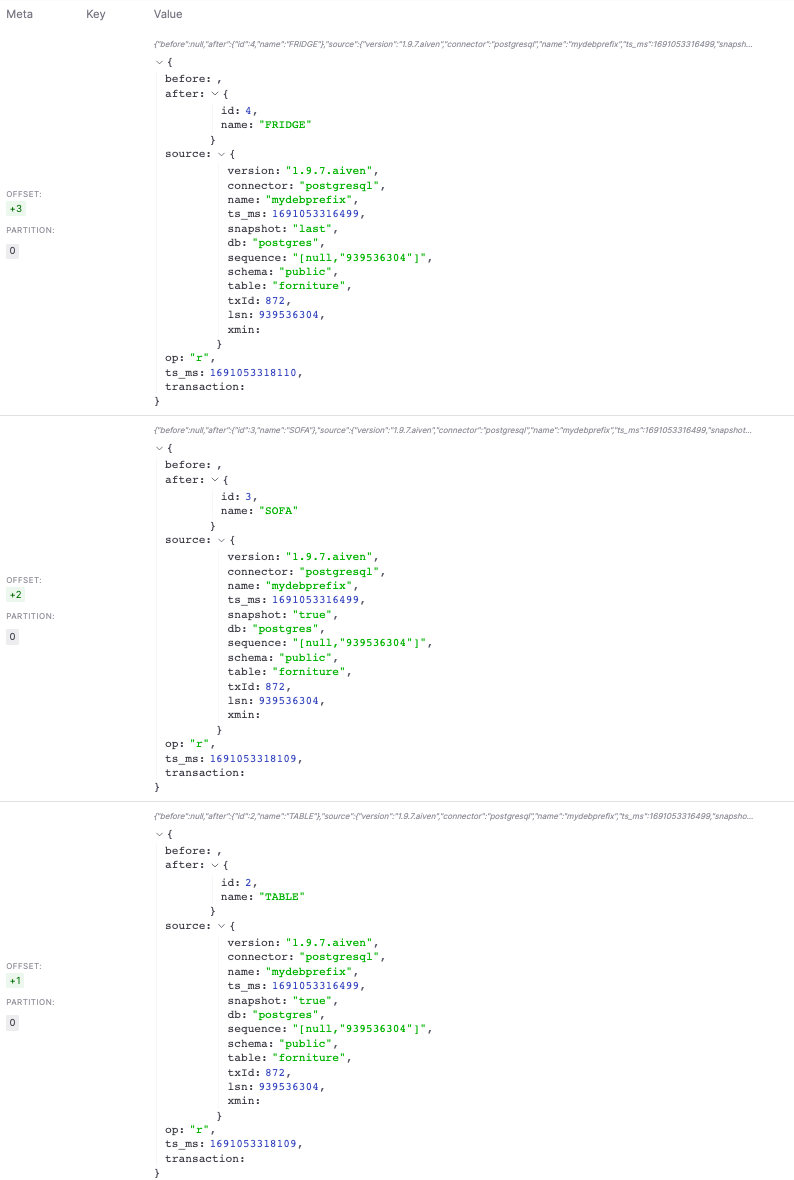
You should see the same dataset you previously pushed to RDS appearing in JSON format in the topic.
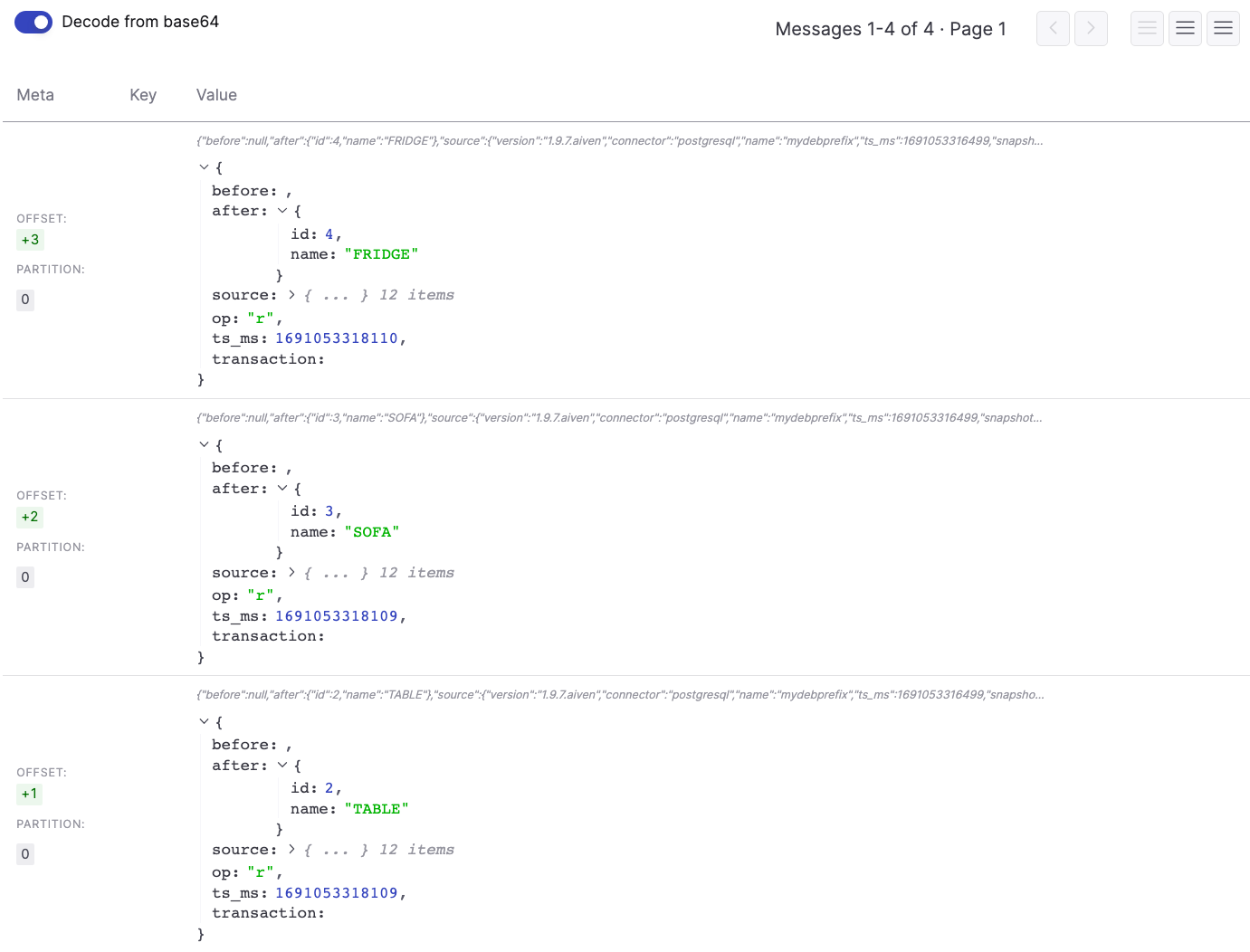
If we perform an insert, delete and update using psql in the terminal connected to RDS, for example:
INSERT INTO FORNITURE (NAME) VALUE ('REFRIGERATOR');
DELETE FROM FORNITURE WHERE NAME='FRIDGE';
UPDATE FORNITURE SET NAME='COUCH' WHERE NAME='SOFA';
You might get the following error:
ERROR:  cannot delete from table "forniture" because it does not have a replica identity and publishes deletes
HINT:  To enable deleting from the table, set REPLICA IDENTITY using ALTER TABLE.
To solve the problem you can enable full replica identity in the table with:
ALTER TABLE FORNUTURE SET REPLICA IDENTITY FULL;
If the above changes work, we should be able to see them in the Aiven for Kafka UI, by re-clicking on the Fetch Messages button.
Conclusion
Setting up a change data capture process from an RDS PostgreSQL database to Apache Kafka with the Debezium connector is a powerful method to be able to stream the inserts/updates/deletes to one or more consumers in real time.
Some more resources if you are interested: